

Sick of finding out your must-watch movie dropped yesterday?
Use automatic alerts to stop scrambling.
Tracking apps pull schedules from all major streamers, add titles to a single watchlist, and ping you the moment a film goes live.
This guide walks you through the simplest tools and settings — JustWatch, TV Time, SeriesGuide, calendar sync, and native app alerts — so you can set up push and calendar reminders in minutes and never miss a premiere again.
Best Methods to Monitor Streaming Release Dates and Enable Alerts

Multi-provider tracking apps pull release schedules from dozens of streaming platforms, bundle them into one searchable library, and ping you the second a title goes live. JustWatch covers 100+ providers, TV Time shows exact premiere times (episode 10 of Succession hit Max at 9 p.m. ET on May 28), and Hobi highlights monthly debuts and weekly returns. Most apps let you mark episodes as watched, filter by platform, and get notified days or weeks before a season drops. SeriesGuide and Cinetrak sync your release calendar straight to your phone’s built-in calendar, so premiere dates show up next to your regular schedule.
Watchlists are what make every tracking app work. You search for a movie or series, tap “Track” or “Add to Watchlist,” and the app monitors it across every service it covers. When a new season gets a premiere date or a film jumps from theaters to streaming, the app updates your list and sends a push notification if you’ve turned that on. Cloud sync means your watchlist follows you across devices. Add a title on your laptop and it’ll register on your phone in seconds.
Setting up automatic alerts is pretty straightforward once you get the flow.
• Install a cross-platform tracker (JustWatch, TV Time, Hobi, SeriesGuide, or Cinetrak) from the App Store, Google Play, or your browser.
• Sign in using Google, Apple ID, email, or the app’s account system. Some apps, like Cinetrak, need a Trakt login for full functionality.
• Select the streaming services you actually subscribe to so the app filters out platforms you don’t use.
• Search for movies and series you want to follow, then add them to your watchlist or tap “Track” to monitor release activity.
• Open the app’s notification settings and turn on alerts for new episodes, season premieres, and title arrivals. If calendar sync is available, flip that on to get device reminders alongside in-app notifications.
Popular Apps for Tracking Streaming Movie Release Alerts

Third-party tracking apps unify dozens of streaming catalogs under one interface. You don’t have to guess which service holds the movie you want or when its sequel drops. They surface upcoming release dates months in advance, let you filter by genre or provider, and send alerts the moment a title becomes available. Because they pull data from Netflix, Disney+, Hulu, Max, Prime Video, Paramount+, Apple TV+, and smaller platforms like Crunchyroll and Fubo, you get a complete picture without opening every app.
Cross-device sync means progress, watchlists, and notification preferences carry over from your phone to your tablet to your browser. Mark season two as “watched” on your laptop and your phone reflects that change immediately. The app won’t bug you about an episode you’ve already finished.
TV Time
TV Time runs on iOS and Android and focuses on social discovery and episode tracking. The Upcoming tab shows the exact day and time for new episodes. Trending and Most Added sections highlight what other users are watching right now. You can filter progress by “finished,” “paused,” or “watching,” and the app pulls in recommendations based on your viewing history. Sign in with Google, Apple, Twitter, Facebook, or email.
JustWatch
JustWatch covers web, iOS, Android, and Fire TV and lists more than 100 streaming providers. Disney+, Crunchyroll, Fubo… it’s all there. Each title page displays upcoming episode dates, a one-click “Watch Now” link that opens the platform’s landing page, and price info if a rental or purchase is required. Discover filters let you narrow results by platform, genre, release year, and rating. The app offers a separate JustWatch Sports guide for NFL, NCAA, NBA, MLB, MLS, Liga MX, European soccer, tennis, and Formula 1.
Hobi
Hobi is available on iOS and Android and emphasizes stats-driven tracking and monthly premiere visibility. The Discover tab highlights trending shows, weekly returns, and monthly debuts. The app’s viewing stats feature estimates your genre preferences and total watch time. Hobi integrates with Trakt for cross-device sync, so adding a title on one device updates your watchlist everywhere.
SeriesGuide
SeriesGuide runs on Android and Amazon Fire TV and markets itself as ad-free with no tracking. It blocks spoilers for unwatched episodes, integrates with Trakt, and pulls movie metadata (runtime, cast, synopsis) from TMDB and JustWatch. Notifications alert you to new episodes, and the app lets you sync those alerts to your device calendar so premiere dates appear as events. You can mark episodes as watched or skipped, view unwatched episodes per season counts, and access rating and viewing stats.
Cinetrak
Cinetrak supports Android and iOS, requires Trakt for full functionality, and offers a clean interface with ads at the bottom of the screen. Categories like Genres, Trending, Popular, and Top Watched help you discover new titles. A calendar view organizes watched and added items by date. Basic access is free. An optional paid upgrade unlocks “Liked” lists, curated collections, and sharing features.
If you want the broadest provider coverage and one-click streaming links, use JustWatch. If you prefer social features and detailed episode progress, pick TV Time. For privacy-focused Android users who want calendar sync, choose SeriesGuide. Hobi suits anyone who likes stats and monthly premiere lists. Cinetrak appeals to fans of calendar-based organization and Trakt integration.
Using Streaming Platform Tools to Track Movie Release Dates
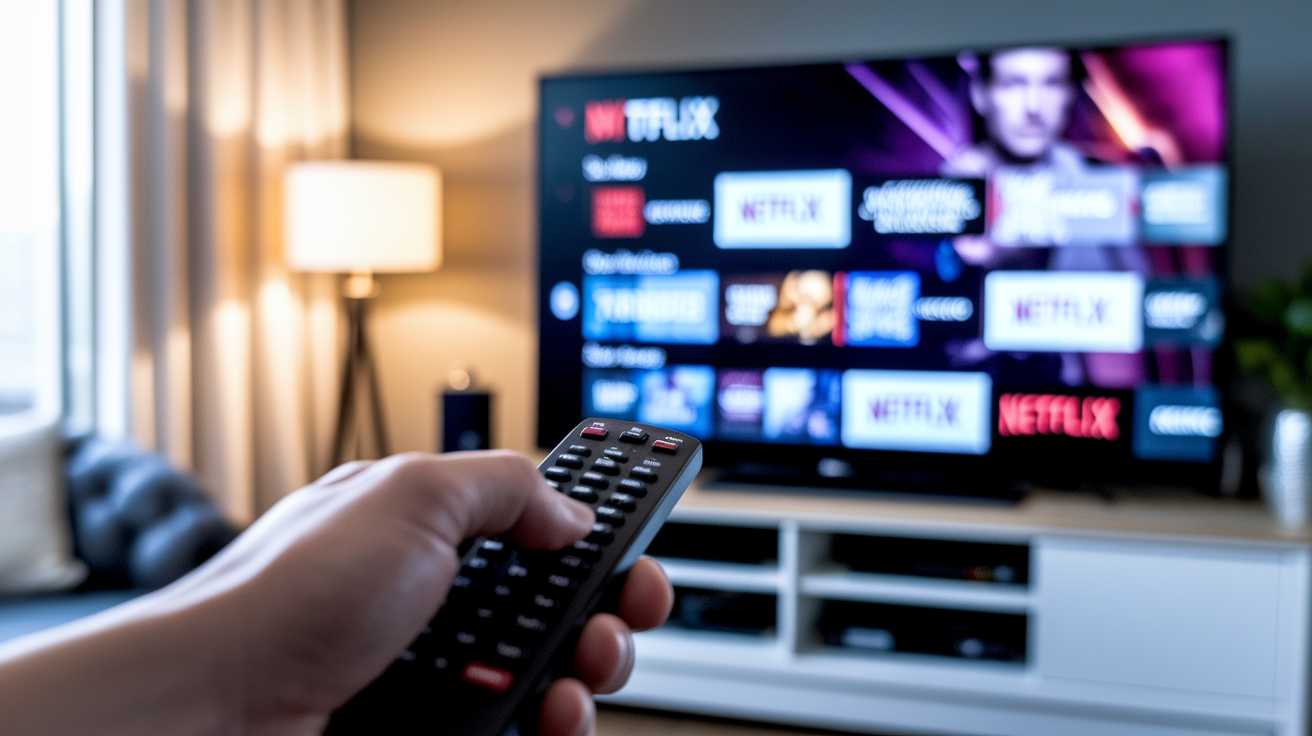
Every major streaming service offers a built-in watchlist, a “coming soon” section, and optional push notifications. You can stay updated without installing third-party apps. Netflix’s “My List” lets you add unreleased titles and receive a notification the day they go live. Amazon Prime Video maintains a “Coming Soon” page that lists premiere dates weeks in advance. Disney+ sends alerts when a new episode of a tracked series drops. These native tools work best if you subscribe to only one or two services and prefer to manage everything inside each app.
Mobile push alerts require you to enable notifications in your device settings and within each streaming app’s preferences. Once turned on, you’ll get a banner or lock-screen alert the moment a title on your watchlist becomes available. Some platforms also send weekly digest emails summarizing new arrivals, though email alerts tend to arrive hours after in-app notifications.
“New on Netflix” and similar discovery pages on Prime Video, Hulu, and Disney+ publish rolling lists of weekly and monthly additions. Checking these sections once a week gives you a snapshot of upcoming releases without setting up individual title alerts. You can bookmark the page or add it to your browser’s reading list for quick access.
• Netflix offers robust watchlist notifications and a detailed “New and Popular” section organized by release date.
• Amazon Prime Video publishes a “Coming Soon” page that shows exact premiere dates for originals and licensed titles.
• Disney+ groups upcoming releases by franchise (Marvel, Star Wars, Pixar) and sends alerts for new episodes of tracked series.
• Hulu combines a watchlist with a “Just Added” feed that refreshes weekly. Its mobile app sends push alerts for premiere dates.
Calendar and Reminder Systems for Streaming Release Tracking
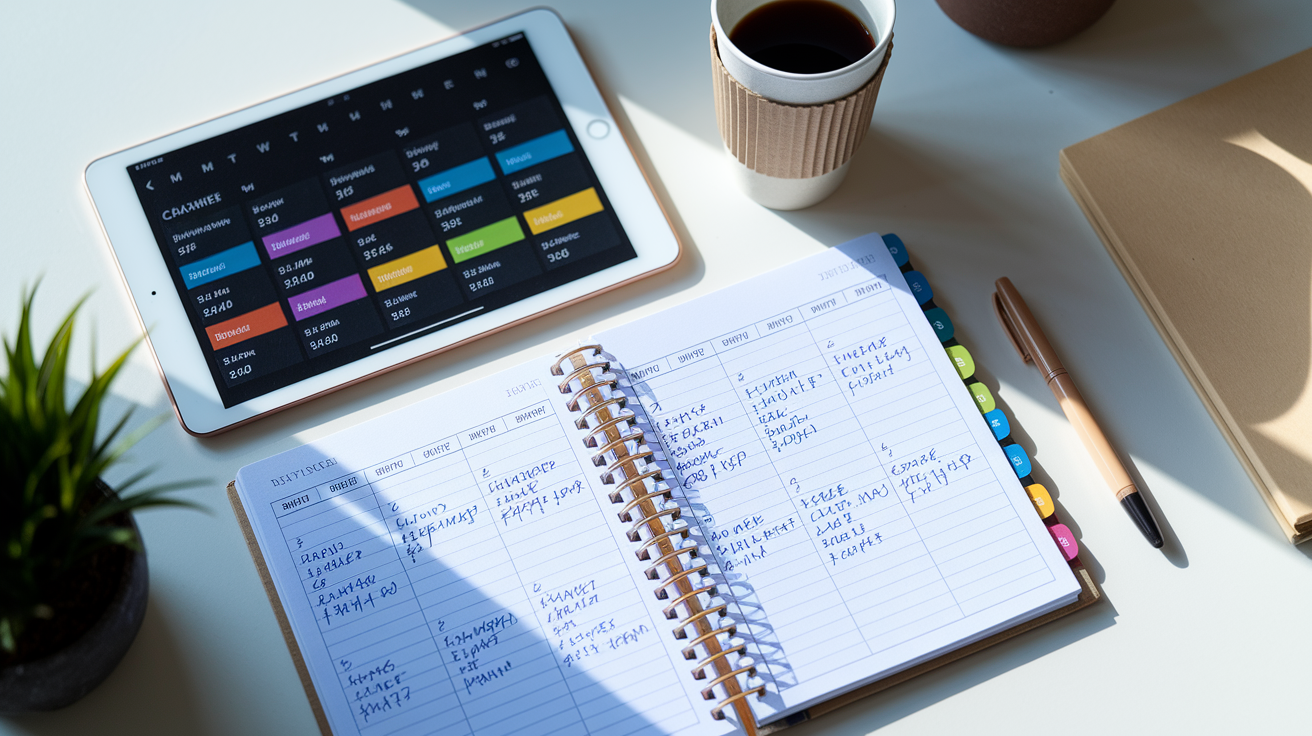
Syncing release dates to your phone or desktop calendar turns premiere information into time-blocked events that appear alongside work meetings, appointments, and personal reminders. SeriesGuide and Cinetrak export watchlist dates directly to Google Calendar, Apple Calendar, or Outlook, creating all-day events labeled with the series title and episode number. When a new season of a tracked show gets a confirmed date, the app updates the calendar entry automatically. You don’t have to edit it by hand.
Manual calendar tools give you full control over layout, language, and visual design. Photo Calendar Creator offers more than 250 templates and lets you translate the calendar into one or two languages from 11 built-in options. Practical for multilingual households or shared planning. You can add holidays, mark available viewing days, and print the calendar or use it digitally. This works well if you prefer a physical wall calendar or a dedicated digital planner that sits outside your streaming-app ecosystem.
Using Calendar Sync in Tracking Apps
Apps that support calendar sync write upcoming release dates as events, complete with titles, times, and episode numbers. SeriesGuide creates an entry for “Succession S4E10 – Max – 9:00 PM ET – May 28” and updates it if the network reschedules. You can set a custom reminder (one day before, one hour before, or at the exact premiere time) and share the calendar with family members or roommates so everyone sees the same schedule.
| Tool | Type of Calendar Use |
|---|---|
| SeriesGuide | Automatic sync to device calendar with event-level reminders |
| Cinetrak | In-app calendar view of watched and added items by date |
| Photo Calendar Creator | Manual custom calendar with templates, translation, and print/digital export |
Social and Community-Based Release Date Tracking

Official Twitter, Facebook, and Instagram accounts for movies, series, and streaming platforms post premiere dates, trailers, and behind-the-scenes clips the moment marketing teams clear them for publication. Following the account for a specific show (like “The Last of Us” on HBO or “Stranger Things” on Netflix) means you’ll see announcements in your feed minutes after they go live. Platforms often time these posts to coincide with press releases, so social alerts can arrive before third-party apps update their databases.
Trailer drops frequently double as release-date reveals. A studio will publish a two-minute teaser on YouTube, embed the premiere date in the final frame, and share the video across Twitter and Instagram with a caption confirming the launch window. Turning on post notifications for official accounts ensures you get a push alert the second a new trailer or date announcement appears.
Community-driven forums and discussion threads on Reddit, dedicated Discord servers, and Facebook groups aggregate peer-tracked updates, rumor roundups, and international release schedules that don’t always show up in North American databases. Subreddits like r/television and r/movies maintain stickied threads for upcoming releases. Users often share region-specific dates, festival premieres, and limited theatrical windows weeks before streaming apps list them.
• Official show and film accounts on Twitter, Facebook, and Instagram for first-party announcements and trailer reveals.
• Platform accounts (Netflix, Disney+, HBO Max, Prime Video) for weekly “coming soon” posts and curated lists.
• Reddit communities (r/television, r/movies, franchise-specific subreddits) for peer-sourced schedules and international release tracking.
• Facebook groups and Discord servers dedicated to specific genres or franchises, where members share release-date updates and discuss viewing plans in real time.
Managing Privacy and Notification Fatigue While Tracking Releases

Privacy policies vary widely across tracking apps. JustWatch collects user data and may share it with advertisers to target you based on your movie tastes. Every search and watchlist addition contributes to an advertising profile. TV Time gathers nonpersonal information for marketing purposes but allows you to set your account to private and unlink social-media sign-ins, which limits some data sharing. SeriesGuide advertises no ads and no tracking. It doesn’t send your viewing habits to third parties or build a behavioral profile. If privacy matters to you, read each app’s data-use section before signing in and choose tools that don’t monetize your watchlist.
Notification frequency becomes a problem when multiple apps, streaming platforms, and social accounts all send alerts for the same release. Research shows that unnecessary notifications create attention residue, the mental overhead that lingers after an interruption. Recovering focus can take more than 20 seconds per alert. To avoid fatigue, pick one primary tracking app, disable redundant alerts from streaming platforms, and set time-of-day restrictions (for example, only receive notifications between 9 a.m. and 7 p.m.) so you’re not woken by a premiere announcement at midnight.
Personalized recommendations improve discovery but often require apps to analyze your entire viewing history. Genres, actors, directors, watch times. Platforms that offer strong recommendations without excessive data collection (like SeriesGuide pulling metadata from TMDB and JustWatch) let you browse curated lists and trending titles without surrendering granular behavioral data. Turning off “share viewing activity” settings in apps that offer them reduces the amount of information sent to analytics partners while still letting you use watchlists and alerts.
Final Words
Right in the action, we walked through the fastest ways to catch new streaming arrivals: multi-provider apps, platform watchlists, calendar syncs, and community feeds that tell you when things drop.
You got app picks (TV Time, JustWatch, Hobi, SeriesGuide, Cinetrak), step-by-step setup, and pro tips for notifications and privacy.
Follow the five-step checklist, sync to your calendar, and lean on Reddit or official accounts for last-minute updates.
Figuring out how to track upcoming streaming movie release dates with alerts will keep your watchlist ready, and you’ll always have something good to queue.
FAQ
Q: What is the app that tracks movie release dates?
A: The app that tracks movie release dates includes TV Time, JustWatch, Hobi, SeriesGuide, and Cinetrak, which offer watchlists, upcoming tabs, calendar sync, and in-app notifications.
Q: How far in advance are movie release dates announced?
A: Movie release dates are announced anywhere from a few weeks to over a year in advance; streaming platforms usually post exact premiere dates weeks or months ahead, while major studio films can be scheduled much earlier.
Q: How can I find upcoming Netflix releases?
A: You can find upcoming Netflix releases by using Netflix’s New & Upcoming page, adding titles to My List, enabling in-app notifications, or checking multi-service trackers like JustWatch and TV Time.
Q: How can I see a movie in theaters ahead of its release?
A: You can see a movie in theaters ahead of release by attending advance screenings, festival or press showings, preview nights hosted by theaters, or special early-ticket events sold through box offices and ticket sites.